Most users are unaware that the default WiFi password of a Bbox can be accessed in just a few steps, but sharing it carelessly exposes the network to real risks. Sharing family or professional Internet access without control opens the door to unwanted intrusions or connection abuses.
Regularly changing this code, choosing a strong password, and limiting sharing to trusted individuals are the main defenses against unauthorized access attempts. Simple methods exist to secure this process while facilitating access for friends or colleagues.
The Bbox WiFi code: why is it essential for your network’s security?
The Bbox WiFi code, also known as the network security key, represents the first lock between your connected home and the vast digital world. This key, unique to each box, determines who can join your Bbox WiFi network and, with it, access all your online information. A weak password or one shared indiscriminately opens the door to prying eyes, the curious, or worse, hackers. Every device—computer, smartphone, connected object—then becomes a potential target.
Everything relies on two pillars: the strength of the code and access control. The default key is convenient, printed on the label under the Bbox or visible via the management interface, but it remains exposed. Taking the time to change it, opting for WPA2 or WPA3 encryption, is already a barrier against intrusions. Bouygues Telecom recommends avoiding anything that resembles a logical sequence, a first name, or a significant date.
For those looking for how to find the Bbox WiFi code or generate one on demand, the help page “Bbox: where to find the WiFi code and share it securely” on Sankore offers detailed explanations. It outlines the location of the code, the different ways to display it (from the management panel or via the SSID), as well as best practices for sharing it without losing control.
Here are some reflexes to adopt to maintain control over your network’s security:
- Never transmit the code on accessible media or those lacking encryption.
- Activate a guest network for temporary access and keep control over who connects.
- Regularly change the security key to limit the consequences in case of a leak.
How to easily find or change your Bbox WiFi password
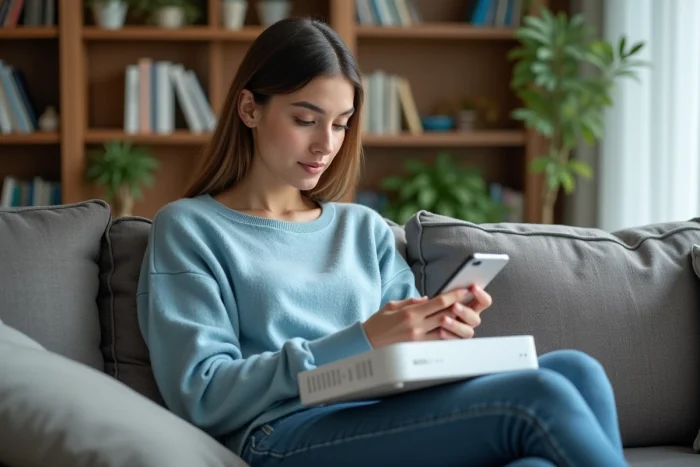
On most Bbox models, the wifi security key or wifi code is indicated on the back or bottom of the box. This code also appears in the administration interface, accessible from a browser connected to the Bbox wired network or Bouygues wifi.
To access the management interface, simply enter the address indicated in the Bouygues documentation into your browser. Once connected, go to the “Wi-Fi” or “network settings” section to view or change the security key. A strong code will combine uppercase letters, lowercase letters, numbers, and special characters to thwart hacking attempts.
To guide you, here are generally useful steps:
- On the box label, look for the mention “SSID” for the network name, then “wifi key” or “security key” on the corresponding line.
- In the administration interface, head to the Wi-Fi tab, then click on “show password.”
- If you change the key, it may be necessary to restart the box for the new configuration to take effect.
To enhance security, don’t wait for the key to leak: change it regularly from the interface. Inform those using the wifi in advance, as they will need to re-enter it on their devices.
Sharing your wifi access without risk: practical tips to protect your connection
Sharing the Bbox WiFi Bouygues Telecom has become a reflex in many families or offices. However, each share creates a new access window to your wifi network. It is better to transmit the password with restraint and prioritize creating a guest network via the internet box interface. This trick isolates passing devices from the rest of your network, preserving your sensitive data.
Consider enabling WPA2 or WPA3 in the security settings to encrypt all exchanges between the Bbox and devices. Regularly change the wifi security key and notify your contacts of each change to keep an eye on active connections.
Some simple actions make your wifi sharing safer:
- Create a complex password: mix letters, numbers, and obscure symbols.
- Consider disabling the WPS function when not in use to block automatic access attempts.
- Keep an eye on the list of connected devices from the Bouygues Bbox administration interface.
For confidential exchanges, using a VPN adds a layer of security. If an unknown device appears among the connections, don’t hesitate to disconnect it immediately from the interface. Caution is still necessary, even at home. A well-protected network connection guarantees the preservation of both your data and the quality of your Bouygues Telecom internet. With each thoughtful share, you keep a little more digital peace of mind under your roof.